

Yep, that there's my little collection, living proof of my Blurb commitment. Obsession? Maybe both. I have ordered six photo books using this company (and created another half-dozen more that are still in progress) and it's the only photobook company I will ever use.

I've gotten quite a few questions about the books themselves, and since I've got the hang of the system I thought I'd give a systematic review of all things Blurb. Brace yourselves ;)

Pricing:
I've been very happy with Blurb's pricing for the quality. It obviously varies depending on the size of the book you choose, the number of pages, and whether or not you upgrade from any of the standard cover or paper choices, but even so the prices are very reasonable. A 7x7 square photo book with 20 pages starts at $12.99; 8x10 books of 20 pages start at $19.99. (there are TONS of other sizes/types available; these are the two book sizes I've gravitated towards)

You can calculate cost for specific sizes and page numbers here. The thing I've found about Blurb that I LOVE is that there are always coupon codes or deals going on to get you at least 15% off. (take a look at my sidebar for the most recent deal). My wedding book has 150 full-color pages with a hardcover and dust jacket, and with coupon codes I was able to get it for less than $45 per book. At that price, I was able to get one for each set of parents and grandparents too!
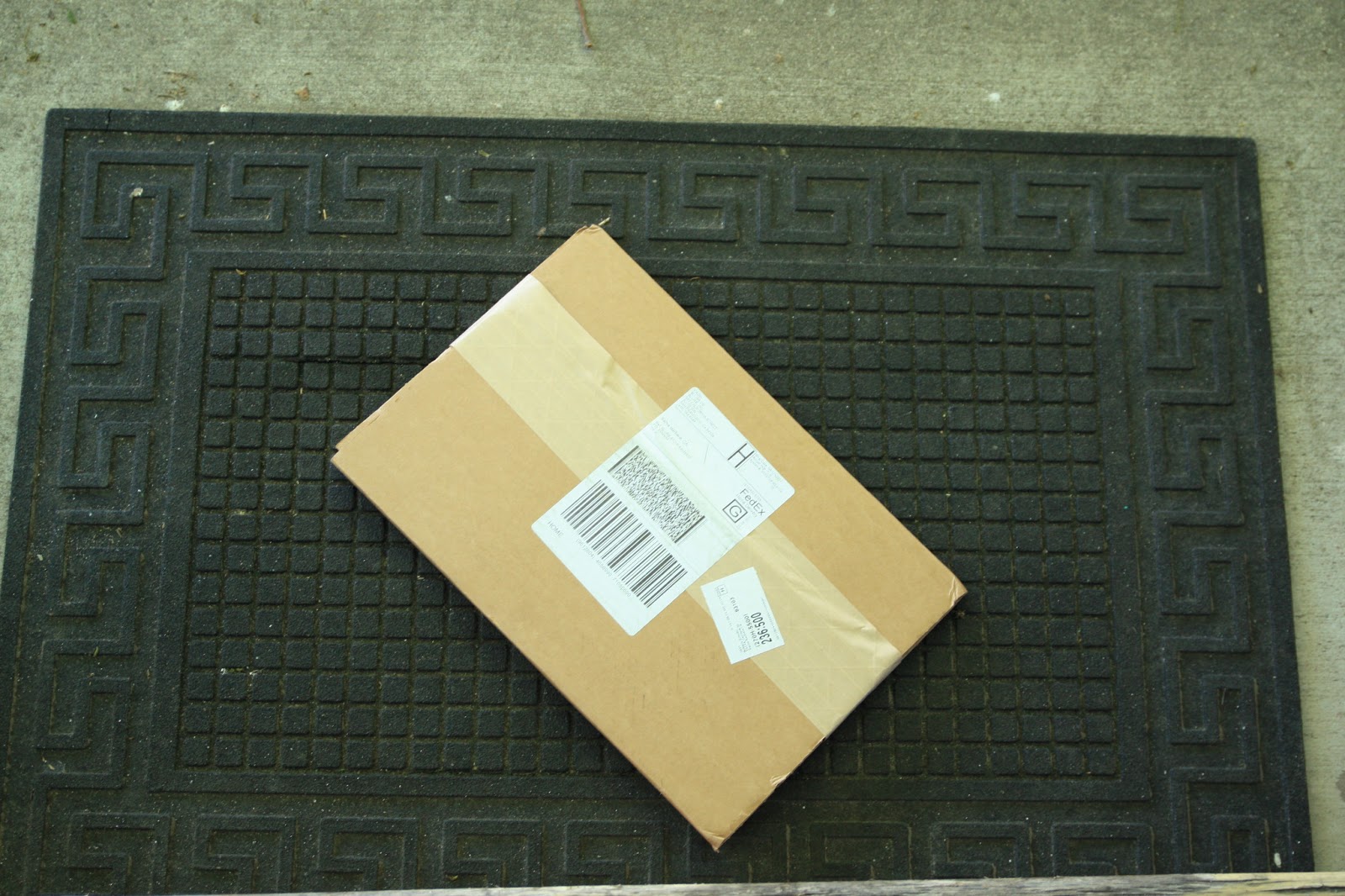

Another bonus; shipping has always been really quick for me--even with the slowest shipping rate I've always gotten my books in about a week. This may be an isolated case, since their offices are in San Francisco and I'm not that far away from them. Don't push your deadlines unless you've tried it before!
Book layout and design:
There are three options for book design. The most common way is to download their Booksmart software to your computer. This is how I've done the majority of my books, and it's been so great. You have preset layouts for the pages but can customize them even further and even create your own saved layouts for consistency. You lay out the whole book exactly as you want it and then upload it to their servers to purchase and print it.
The quick and dirty way is to use their online software, Bookify. You just upload your photos to the site and go! I used this version for my Yacht photoshoot book and was pleasantly surprised with the ease of use. There's even an option to get photos directly from Facebook or Instagram. I used one of the designer template options for our Yacht book but sort of wish I had gone with the "any way, any size" one; there are a lot more layout options. I'm still very happy with my book, though! I LOVE Booksmart, but Bookify is slowly winning me over. Just can't beat simplicity!
The third and final option is one I've never used, but I feel I should mention that you can create your entire book in Adobe InDesign and use a plugin to upload the entire book that way. Maximum control with that one, and if you know InDesign, it may be the best way to get exactly what you want.
Full-disclosure: I've only tested out two of their four paper options. However, they were the cheaper two options, so any further upgrade will only make your books prettier (and more expensive...!).
Their four paper options are standard, premium, Proline Uncoated, and Proline Pearl. The standard paper is 80lb bond (copier paper is 20lb). The upgraded paper options are all 100lb, so they're nice and thick.


To be honest, I can't really feel much of a difference between the premium paper and the standard paper. I've noticed in my standard paper books that the images are a little more pixellated and the colors aren't as bright compared to the premium paper, but again it's only clear if you compare the two. Standard paper might not hold up as long as the premium paper because it's not as thick, but let's face it: These are like yearbooks. You'll thumb through them a couple times a year at max; they'll hold up just fine.


 Premium paper image quality compared to digital version:


Standard paper image quality compared to digital version:


Again, the images are a little crisper in premium paper, but it's hard to tell the difference unless you're comparing the two side-by-side
There is a small "Blurb" logo on the copyright page and the last page of your book. You can pay a percentage of the total book price (25%) to remove it if it bothers you, but I find that it's unobtrusive enough to leave every time.

Cover options

Books can be printed in softcover or hardcover; hardcover books can be either imagewrap or dust jacketed. I have done both of the hardcover options, and have been most satisfied with my jacketed books. The imagewrap looks dang professional from afar, but if you compare the image quality between the jacket or wrapped book, there's no comparison. Images are crisper and colors more true and bright on the jacket, no question.
 |
| Left: wrapped book; Right: Jacketed book. The difference in quality is a lot clearer in person |
I love how you can choose back cover images too; it makes for a really fun coffee table addition! Of course, I can never decide which one to leave out...

And there you have it! Did I leave anything else out? Let me know what else you might want to know!!
And now until June 30, save 15% on your book purchase with the code BOOKSFORSUMMER